Download the App & Start Learning
- Expert Faculty Guidance
- Updated Study Material
- Mock Tests & Practice Quiz
- Live Doubt Solving Sessions
- Exam-Oriented Preparation
- Motivation & Success Strategy
Katara Academy

10/6/2026
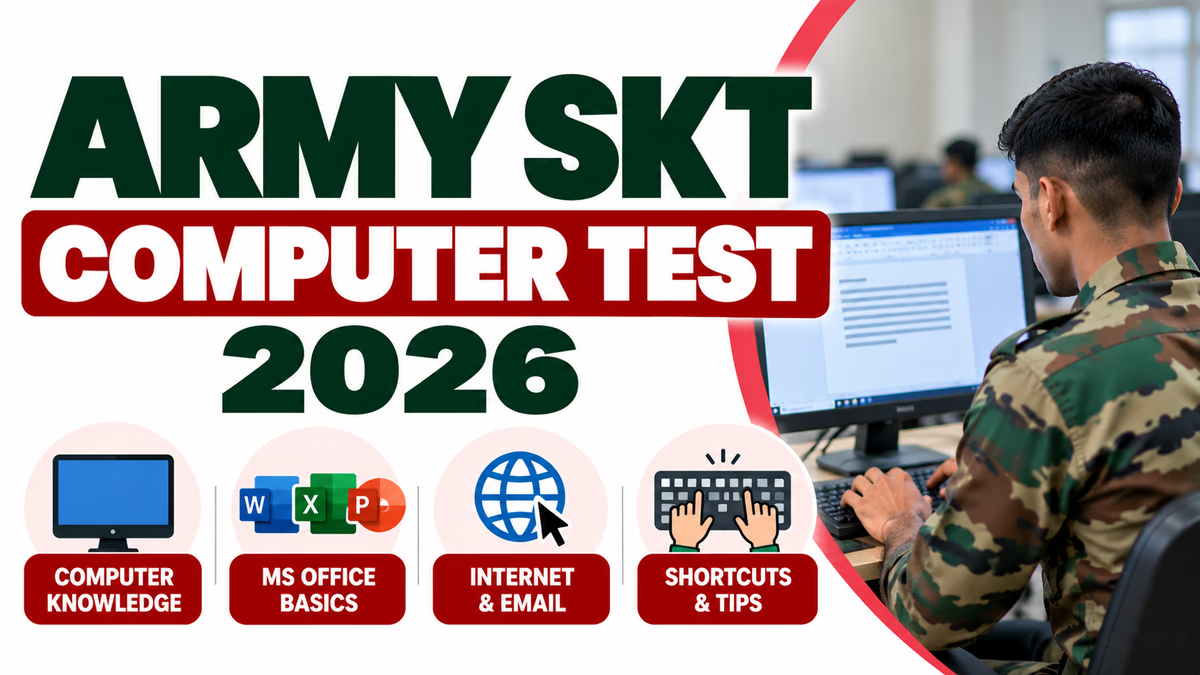
Army SKT Computer Test 2026 is an important topic for candidates preparing for the Agniveer Clerk / Store Keeper Technical (SKT) category. Computer knowledge is useful for the Clerk / SKT role because candidates are expected to handle computer-based office, record and store-related work.
Important clarification: The current Agniveer recruitment process does not list a separate post-rally “Computer Test” as an independent Phase-II event. The Online CEE itself is computer-based, and Clerk / SKT candidates additionally have to qualify the Online Typing Test. Computer-related knowledge can therefore be prepared as part of the Clerk / SKT CEE preparation.
Computer knowledge is useful for candidates preparing for the Clerk / Store Keeper Technical category. The role involves handling records, documents, office systems, data and other administrative activities, so basic computer awareness is an important practical skill.
Candidates should understand basic computer concepts, hardware, software, operating systems, MS Office, internet, networking and common computer terminology.
For the current recruitment cycle, candidates should not confuse the computer-based CEE with a separate computer practical examination.
| Component | Details |
|---|---|
| Online CEE | Computer-based objective examination |
| Computer Knowledge | Prepare basic computer concepts and applications relevant to Clerk / SKT |
| Typing Test | Additional online typing test for Clerk / SKT |
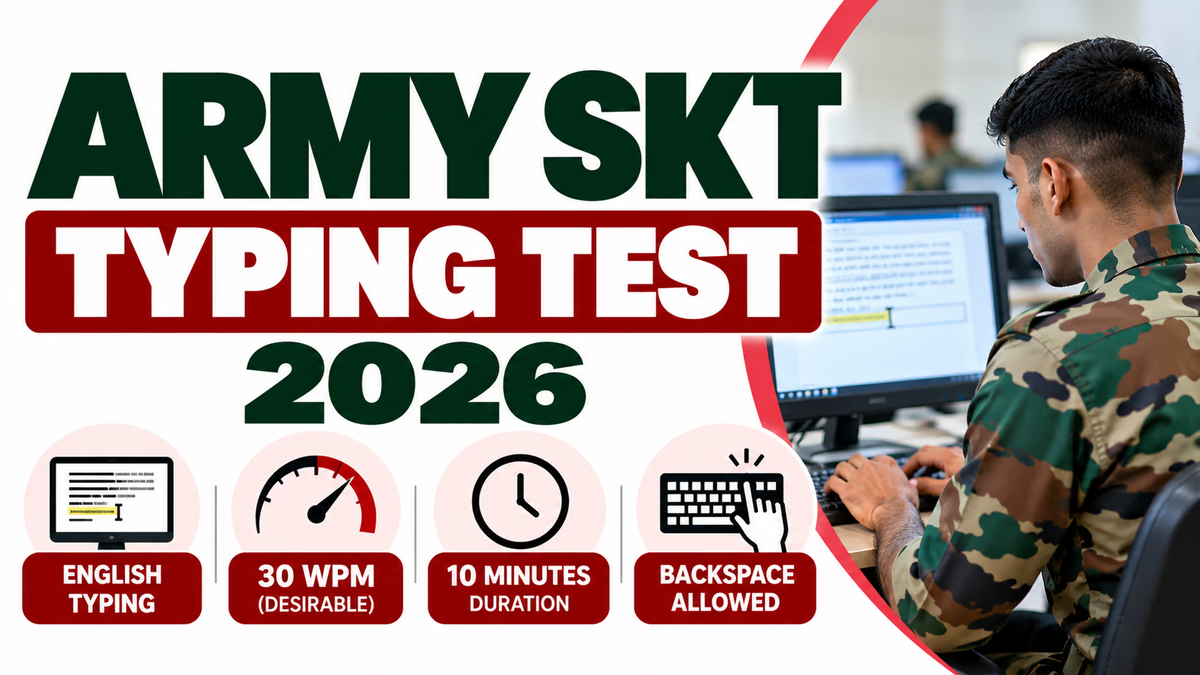
| Typing Language | English |
| Desirable Typing Speed | 30 words per minute |
| Typing Duration | 10 minutes |
Candidates preparing for computer-related questions should focus on fundamental topics instead of studying highly advanced computer programming concepts.
Hardware refers to the physical components of a computer system. Candidates should understand the basic functions of common hardware devices.
Software consists of programs and instructions used to operate a computer. Candidates should understand the difference between system software and application software.
An operating system manages computer hardware and provides an environment for applications to run.
Basic topics include Windows, files and folders, desktop, taskbar, icons, settings, file extensions, copying and moving files, deleting files and basic system operations.
MS Word is commonly used for creating and editing documents. Candidates should understand basic document-processing features.
Excel is useful for maintaining numerical data, lists and records. Candidates should understand basic spreadsheet terminology and operations.
Basic internet knowledge is important for computer awareness. Candidates should understand how websites, browsers and email services work.
Candidates should have a basic understanding of computer networks and common networking terms.
Basic cyber-security awareness is useful for every computer user. Candidates should understand common online security risks.
Focus more on these basic topics:
Basic keyboard shortcuts are useful for computer awareness as well as practical office work.
| Shortcut | Function |
|---|---|
| Ctrl + C | Copy |
| Ctrl + V | Paste |
| Ctrl + X | Cut |
| Ctrl + Z | Undo |
| Ctrl + Y | Redo |
| Ctrl + A | Select All |
| Ctrl + S | Save |
| Ctrl + P | |
| Ctrl + F | Find |
| Alt + Tab | Switch between open windows |
Candidates should not spend all their preparation time on advanced computer topics. Focus on basic concepts, terminology, office applications and regular practice.
| Day | Computer Topic |
|---|---|
| Monday | Computer fundamentals and hardware |
| Tuesday | Software and operating systems |
| Wednesday | MS Word and keyboard shortcuts |
| Thursday | MS Excel and basic formulas |
| Friday | Internet, email and networking |
| Saturday | Cyber security and computer MCQs |
| Sunday | Revision and mock test |
Computer-related objective questions can test basic definitions, functions, abbreviations, hardware, software, operating systems, office applications and internet terminology.
While preparing, candidates should create short revision notes containing important computer terms and frequently used shortcuts. Regular revision is more effective than trying to memorise a large amount of information at once.
Beyond examination preparation, practical computer skills can help candidates perform administrative and store-related responsibilities efficiently.
| Computer Knowledge | Typing Test |
|---|---|
| Tests understanding of computer-related concepts. | Tests practical English typing ability. |
| Includes basic hardware, software, internet and office concepts. | Requires typing a displayed passage. |
| Prepared through study and MCQ practice. | Prepared through regular keyboard practice. |
| Part of computer-based examination preparation. | Additional Clerk / SKT online typing requirement. |
The current Agniveer recruitment process does not list a separate post-rally computer practical test as an independent Phase-II event. Candidates should prepare computer knowledge as part of their Clerk / SKT examination preparation and separately prepare for the Online Typing Test.
Yes. The Common Entrance Examination is an online computer-based examination.
Candidates should focus on computer fundamentals, hardware, software, operating systems, MS Word, MS Excel, internet, email, networking, keyboard shortcuts and basic cyber security.
Yes. Basic knowledge of applications such as MS Word and MS Excel is useful for computer awareness and practical office work.
Yes. Computer knowledge focuses on concepts and applications, while the typing test checks practical English typing speed and accuracy.
30 words per minute in English is the desirable typing speed specified for the Clerk / Store Keeper Technical typing test.
Study basic computer concepts, practise MS Office and keyboard shortcuts, revise internet and networking topics, solve computer MCQs and take regular mock tests.
Army SKT Computer Test 2026 should be understood as part of the broader computer-based CEE and Clerk / SKT skill requirements rather than as a separate Phase-II computer practical test. Candidates should prepare basic computer knowledge, MS Office, internet, networking and cyber-security concepts while continuing dedicated English typing practice. A strong combination of computer awareness, CEE preparation and typing accuracy can help candidates prepare effectively for the Clerk / Store Keeper Technical category.