

Download the App & Start Learning
- Expert Faculty Guidance
- Updated Study Material
- Mock Tests & Practice Quiz
- Live Doubt Solving Sessions
- Exam-Oriented Preparation
- Motivation & Success Strategy
Katara Academy

8/27/2026
```html
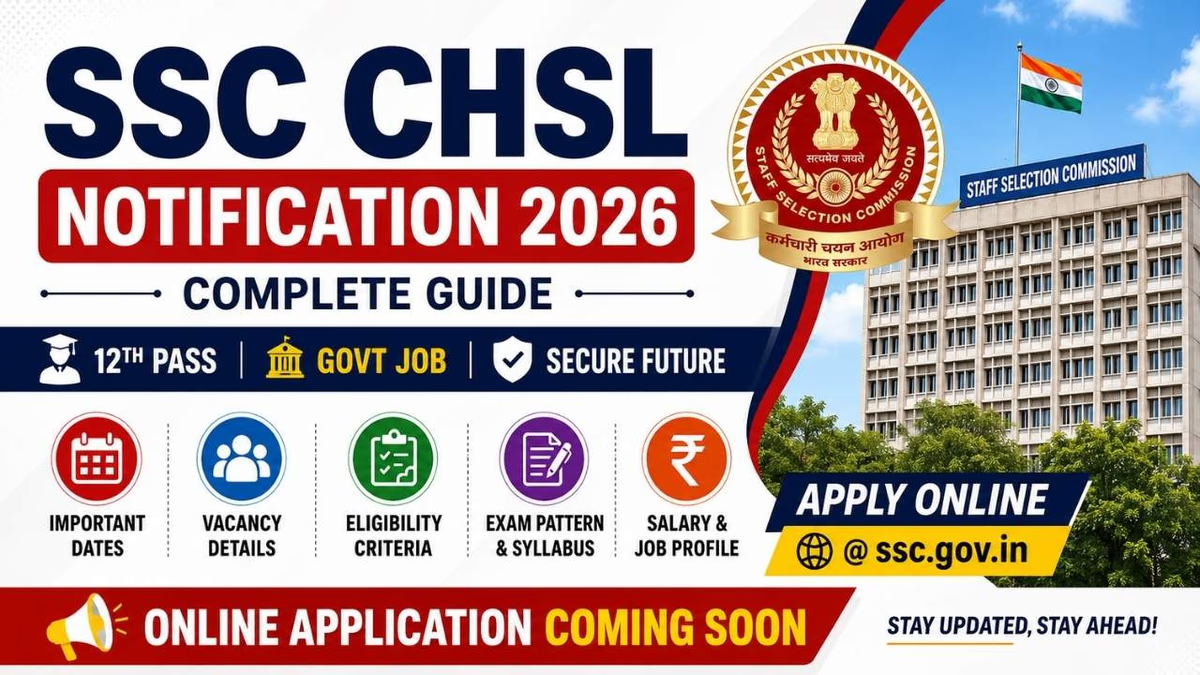
SSC CHSL Recruitment 2026
The SSC CHSL Apply Online 2026 process is the first and most important step for candidates aspiring to secure a government job through the Combined Higher Secondary Level (CHSL) Examination. The Staff Selection Commission (SSC) accepts applications only through its official online portal, and candidates must complete the application process within the prescribed dates mentioned in the official notification. :contentReference[oaicite:0]{index=0}
Before submitting the application form, candidates must complete the One-Time Registration (OTR), log in to the SSC portal, fill in personal and educational details, upload the required documents, pay the application fee (if applicable), and finally submit the application form. Candidates who have already completed OTR for any SSC examination can use the same registration credentials to apply for SSC CHSL 2026. :contentReference[oaicite:1]{index=1}
This complete guide explains the SSC CHSL Apply Online 2026 process step by step, including registration, required documents, application fee, photograph and signature guidelines, correction window, important instructions, and common mistakes to avoid while filling out the online application form.
Latest Update
SSC CHSL applications are accepted only through the official SSC portal. Candidates should complete their One-Time Registration (OTR) before filling out the application form and regularly check the SSC website for notification and application dates. :contentReference[oaicite:2]{index=2}
| Particular | Details |
|---|---|
| Examination | SSC Combined Higher Secondary Level (CHSL) 2026 |
| Conducting Authority | Staff Selection Commission (SSC) |
| Application Mode | Online Only |
| Registration | One-Time Registration (OTR) Required |
| Application Portal | Official SSC Website |
| Application Fee | As Per Official Notification |
| Correction Window | Available as per SSC Schedule |
| Official Website | ssc.gov.in |
Candidates who satisfy the eligibility criteria mentioned in the official SSC CHSL Notification can apply online for the examination. Applicants must fulfill the required educational qualification, age limit, nationality, and other eligibility conditions before submitting the online application form. :contentReference[oaicite:3]{index=3}
Before starting the SSC CHSL online application process, candidates should keep all necessary documents and information ready. Having these documents prepared in advance helps complete the application smoothly and reduces the chances of errors or delays. :contentReference[oaicite:4]{index=4}
```html id="ssc-chsl-apply-online-part2"
Before applying for the SSC CHSL 2026 Examination, candidates must complete the One-Time Registration (OTR) on the official SSC portal. OTR is a mandatory registration process that stores a candidate's basic details permanently. Once the registration is successfully completed, the same login credentials can be used to apply for various SSC examinations without registering again.
Candidates should ensure that all personal details entered during the OTR process match the information available in their official documents, as incorrect details may lead to application rejection or future verification issues.
Candidates should carefully complete each step of the SSC CHSL registration process to avoid mistakes. Ensure that all information is accurate before proceeding to the next step.
After completing the One-Time Registration, candidates can log in to the SSC portal using their Registration ID (or Username) and Password. Once logged in, they can access the SSC CHSL application form and proceed with the remaining application process.
After logging in, candidates need to complete the application form by providing accurate personal information. The details entered should exactly match the information available in official documents to avoid discrepancies during document verification.
Candidates must provide their educational qualification details while filling out the SSC CHSL application form. Ensure that the information matches the certificates issued by the respective educational boards or institutions.
After entering all the required personal and educational details, candidates must upload their recent passport-size photograph and signature in the prescribed format. The uploaded images should meet the specifications mentioned in the official SSC CHSL Notification. Failure to follow the required guidelines may result in rejection of the application form.
Candidates should ensure that the photograph is clear, recent, and properly visible, while the signature should be neatly written on white paper using black or blue ink. Before uploading, verify that the image size and file format comply with SSC requirements.
SSC may require candidates to capture a live photograph during the online application process through a webcam or mobile device. Candidates should take the live photo in a well-lit environment with a plain background and ensure that their face is completely visible without any obstruction.
After completing the application form, candidates are required to pay the prescribed application fee, if applicable. The application fee can be paid through various online payment methods available on the SSC portal. Certain categories are exempted from paying the application fee as per Government of India rules.
| Category | Application Fee |
|---|---|
| General / OBC / EWS | ₹100 (As per SSC Notification) |
| SC / ST | Fee Exempted |
| PwBD | Fee Exempted |
| Women Candidates | Fee Exempted |
| Ex-Servicemen (Eligible) | Fee Exempted |
Candidates can pay the SSC CHSL application fee using any of the approved online payment methods available on the official SSC portal. The payment should be completed successfully before the application deadline to ensure successful submission of the application form.
The Staff Selection Commission provides application fee exemptions to specific categories of candidates as per Government of India rules. Eligible candidates should select the correct category while filling out the application form and keep the required supporting documents ready for verification, if applicable.
After completing all the required sections of the application form, candidates should carefully review every detail before submitting it. Once the application is successfully submitted, candidates should download and save the confirmation page for future reference. Applications submitted after the closing date will not be accepted by the Staff Selection Commission.
The Staff Selection Commission may provide an application correction window for a limited period after the application process closes. During this period, eligible candidates can modify certain details in their submitted application form. Candidates should carefully read the official notification to know which fields can be edited and whether any correction fee is applicable.
Many candidates make avoidable mistakes while filling out the SSC CHSL application form. Even minor errors can create problems during document verification or result in the rejection of the application. Therefore, candidates should verify every detail carefully before final submission.
Candidates should follow all instructions mentioned in the official SSC CHSL Notification while completing the application process. Providing accurate information and submitting the application before the deadline can help avoid unnecessary issues during the recruitment process.
Once the application form has been submitted successfully, candidates should download and print the confirmation page. The printed copy may be useful during the admit card download, document verification, and future stages of the recruitment process.
Before submitting the SSC CHSL Application Form 2026, candidates should verify that all required documents are available and the information entered in the application matches the official records. Keeping the documents ready in advance helps avoid errors and delays during the application process.
After successfully submitting the application form, candidates can check their application status through the official SSC website. The application status confirms whether the form has been accepted and provides updates regarding the examination process.
The SSC CHSL Apply Online 2026 process is simple when candidates carefully follow the official instructions. Completing the One-Time Registration (OTR), entering accurate information, uploading the required documents, and submitting the application before the deadline are essential steps for a successful application.
Candidates should regularly visit the official SSC website for the latest announcements regarding application dates, correction window, admit card, examination schedule, and other important updates. Early application and careful verification of details can help avoid last-minute issues.
The online application process will begin after the release of the official SSC CHSL Notification 2026. Candidates should check the official SSC website for the application schedule.
Yes. Candidates must complete One-Time Registration (OTR) before submitting the SSC CHSL online application form.
The application fee for General, OBC, and EWS candidates is ₹100, while eligible Women, SC, ST, PwBD, and Ex-Servicemen candidates are exempt from paying the fee as per SSC rules.
SSC may provide an application correction window for a limited period. Candidates can edit only the fields permitted by the Commission during that period.
Candidates generally need Class 10 and 12 certificates, a recent passport-size photograph, scanned signature, valid ID proof, active mobile number, email ID, and applicable reservation certificates.
Candidates can log in to the official SSC portal using their Registration ID and Password to view the application status after successful submission.
Prepare for SSC CHSL, SSC CGL, MTS, CPO, Defence, Railway, Banking and other competitive exams with expert faculty, structured study material, regular mock tests, doubt-solving sessions, and complete exam-oriented guidance at Katara Academy.