

Download the App & Start Learning
- Expert Faculty Guidance
- Updated Study Material
- Mock Tests & Practice Quiz
- Live Doubt Solving Sessions
- Exam-Oriented Preparation
- Motivation & Success Strategy
Katara Academy

10/21/2026
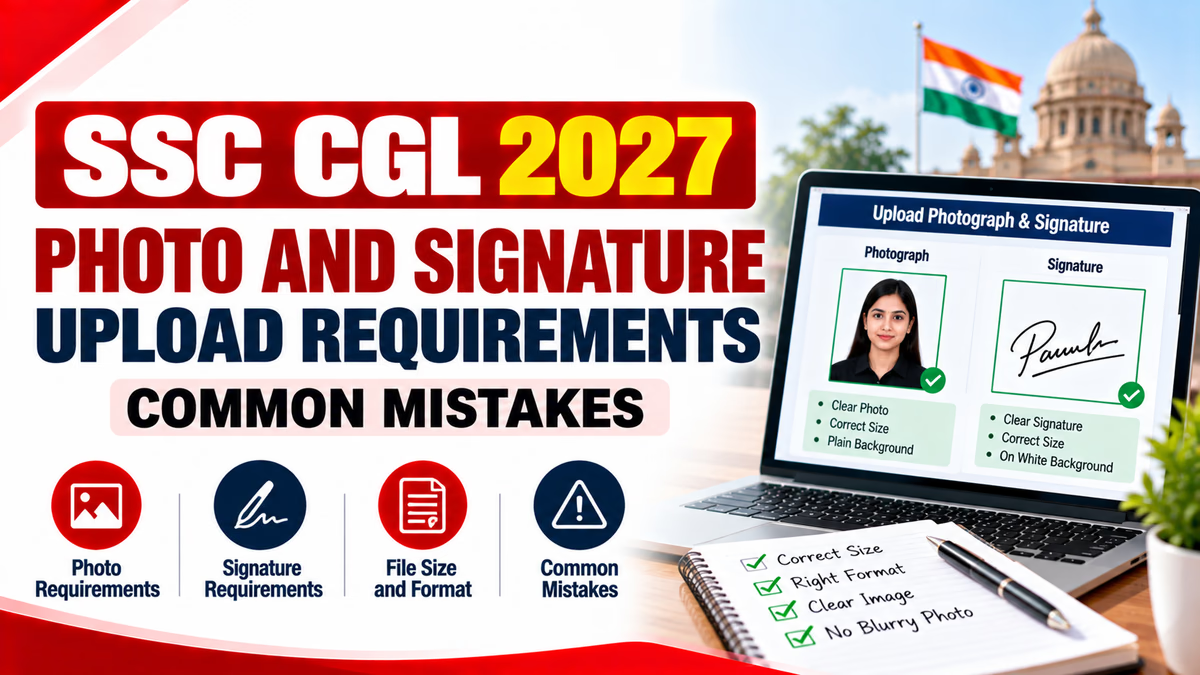
Completing the SSC CGL application form correctly is an important step in the recruitment process. Candidates must pay attention to their photograph, signature, scanned documents, and other application details. An image that does not meet the official instructions may lead to an application problem or require correction, where permitted.
For SSC CGL 2027 aspirants, the safest approach is to prepare the required files in advance and follow the instructions published in the official recruitment notification and application portal. This guide explains common photo and signature upload mistakes and how to avoid them.
The photograph and signature help establish the candidate's identity during the recruitment process. If an uploaded image is unclear, incorrectly formatted, or inconsistent with the official requirements, it may create verification difficulties.
Before uploading any file, candidates should carefully read the latest SSC CGL 2027 notification. Exact image dimensions, file size, format, capture method, and other conditions must be confirmed from the instructions applicable to that recruitment cycle.
Use a recent photograph that clearly shows your face and follows the official SSC instructions. Avoid images that are blurred, heavily edited, pixelated, or poorly lit.
Use the background specified in the current instructions. A plain, uncluttered background generally helps keep the face clearly visible. Avoid shadows or objects that interfere with the photograph.
Make sure your face is not hidden by hair, accessories, or other objects. Follow the notification's rules regarding spectacles, head coverings, facial visibility, and any permitted exceptions.
Do not use beauty filters, face-changing effects, artificial backgrounds, or edits that alter your appearance. The photograph should satisfy the official identity and image requirements.
The signature must be clear and should follow the method and format specified by SSC. Candidates should prepare it carefully before uploading.
| Mistake | How to Avoid It |
|---|---|
| Uploading a blurred photograph | Use a clear image with sufficient lighting and sharp focus. |
| Using an old or unsuitable photograph | Follow the current notification's photograph requirements. |
| Ignoring file size limits | Check the portal's specified minimum and maximum file size. |
| Using the wrong image format | Save the image in one of the permitted file formats. |
| Cropping the face or signature incorrectly | Preview the entire image before uploading. |
| Uploading the wrong file in a field | Verify each selected file before confirming the upload. |
| Applying filters or excessive editing | Use an authentic image that follows the official rules. |
| Ignoring the final preview | Review the uploaded image on the application page before submission. |
Preparing files in advance can reduce last-minute errors. Follow this general checklist, then compare each requirement with the current SSC CGL notification.
If the application portal rejects your photograph or signature, do not repeatedly upload random versions. First identify the reason for the rejection.
Do not assume that resizing alone will solve every problem. The image must also satisfy the content and capture requirements specified for the recruitment cycle.
If you discover an error after submission, first check the official instructions to determine whether the particular detail can be corrected. Correction facilities, permitted changes, fees, and deadlines depend on the applicable recruitment notice.
Do not assume that every uploaded image can be replaced after final submission. If a correction window is announced, review its rules and make permitted changes before the deadline. Keep the application number and confirmation details available when contacting official support.
Q1. What should a candidate check before uploading a photograph?
A. Only the file name
B. Official image requirements and clarity
C. Only the colour of the file icon
D. The number of folders on the computer
Answer: B. The image must meet the applicable instructions and be sufficiently clear.
Q2. What should you do if the signature is cropped?
A. Upload it without checking
B. Ignore the issue
C. Prepare a correctly framed image and review it before uploading
D. Upload the photograph instead
Answer: C. The complete signature should be visible and meet the prescribed requirements.
Q3. Where should candidates confirm the required image dimensions?
A. An unrelated social media post
B. The latest official SSC notification and application instructions
C. An old application form only
D. A friend's assumptions
Answer: B. Official instructions provide the applicable specifications for the recruitment cycle.
Q4. What is a common reason an image may be rejected?
A. It meets every requirement
B. It is saved in an accepted format and size
C. It violates the portal's file or image requirements
D. It is stored in a clearly named folder
Answer: C. Rejection may occur when an uploaded file does not meet the portal's requirements.
Q5. Should candidates use face-changing filters on their application photograph?
A. Yes, always
B. Only to change identity details
C. No, they should follow the official authenticity requirements
D. Only when the file is large
Answer: C. Avoid edits that alter appearance or violate the official instructions.
Q6. What should you do if the portal rejects an image?
A. Randomly change all files
B. Check the error and verify size, format, and dimensions
C. Ignore the message
D. Submit without reviewing
Answer: B. Identifying the reason helps you correct the problem properly.
Q7. Is it safe to assume that every detail can be corrected after submission?
A. Yes
B. No, correction depends on the official rules and window
C. Only on weekends
D. Only by changing the file name
Answer: B. Permitted corrections depend on the applicable recruitment instructions.
Q8. Why should candidates save application confirmation details?
A. To keep a record of the submission
B. To change the examination syllabus
C. To avoid reading instructions
D. To guarantee selection
Answer: A. Confirmation details help candidates refer to their application later.
Q9. Which practice helps prevent selecting the wrong file?
A. Keeping several unnamed files open
B. Checking the file and upload field before confirming
C. Uploading every image to the same field
D. Skipping the preview
Answer: B. Careful file selection and preview reduce avoidable upload mistakes.
Q10. What is the safest approach to SSC CGL 2027 photo and signature uploads?
A. Follow old specifications without checking
B. Rely only on unofficial advice
C. Follow the latest official instructions and review the final preview
D. Upload any image that opens on the computer
Answer: C. Official instructions and a careful final review are the best way to reduce errors.
Photo and signature uploads are important parts of the SSC CGL application process. Candidates can avoid many common errors by preparing clear images, checking the permitted file specifications, uploading the correct files, and reviewing the application before submission.
For SSC CGL 2027, always confirm the final photograph and signature rules in the official notification and application portal. Do not rely on dimensions or file-size limits from previous recruitment cycles unless the current instructions confirm that they still apply.