.avif)

Download the App & Start Learning
- Expert Faculty Guidance
- Updated Study Material
- Mock Tests & Practice Quiz
- Live Doubt Solving Sessions
- Exam-Oriented Preparation
- Motivation & Success Strategy
Katara Academy

26/10/2026
SSC CHSL 2027 | COMPUTER KNOWLEDGE
Learn MS Word basics, document formatting, keyboard shortcuts and essential editing skills for computer knowledge preparation.
SSC CHSL 2027 basic word-processing skills are useful for students learning computer fundamentals and office applications. Understanding how to create, edit, format and save documents can strengthen your practical computer knowledge.
Important Exam Note
The SSC CHSL 2025 notification included computer basics, keyboard shortcuts and Microsoft Office fundamentals. Verify the applicable topics in the official SSC CHSL 2027 notification when available.
Word processing means creating, editing, formatting and managing text documents using software such as Microsoft Word. Beginners should learn these essential operations:
| Shortcut | Function |
|---|---|
| Ctrl + C | Copy selected content |
| Ctrl + X | Cut selected content |
| Ctrl + V | Paste content |
| Ctrl + S | Save a document |
| Ctrl + B | Apply bold formatting |
| Ctrl + Z | Undo an action |
| Ctrl + F | Find text |
| Ctrl + H | Open Find and Replace in MS Word |
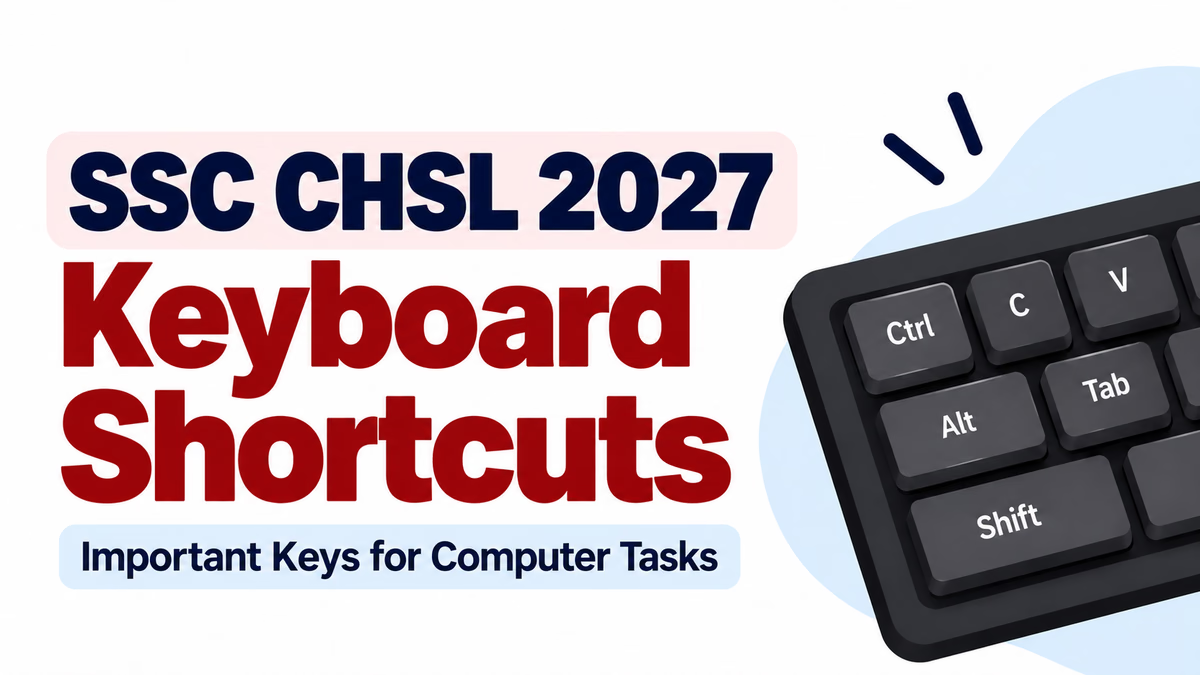
For more shortcuts, read our SSC CHSL 2027 Keyboard Shortcuts Guide.
Practise shortcuts on a computer, revise formatting tools regularly and test your understanding with computer-awareness questions. Explore our computer knowledge revision guide for additional topics.
Learning basic word-processing skills helps you understand document editing, formatting and common computer operations. Practise keyboard shortcuts regularly and follow the official SSC CHSL notification for the latest examination requirements.
Explore competitive-exam learning resources, revision guides and practice materials.
Visit the official Google Play listing for the Katara Academy app.
Explore study guides, exam preparation resources and practice materials.