
Download the App & Start Learning
- Expert Faculty Guidance
- Updated Study Material
- Mock Tests & Practice Quiz
- Live Doubt Solving Sessions
- Exam-Oriented Preparation
- Motivation & Success Strategy
Katara Academy

28/10/2026
Typing speed is an important part of computer-based exam preparation for candidates targeting clerical and other computer-related posts. However, typing quickly is not enough. Accuracy, correct word entry, punctuation and consistent performance also matter. Understanding the difference between gross typing speed and net typing speed can help SSC CHSL aspirants measure their progress and prepare more effectively.
This guide explains gross speed, net speed, words per minute (WPM), typing accuracy, calculation examples and practical ways to improve performance for SSC CHSL 2027.
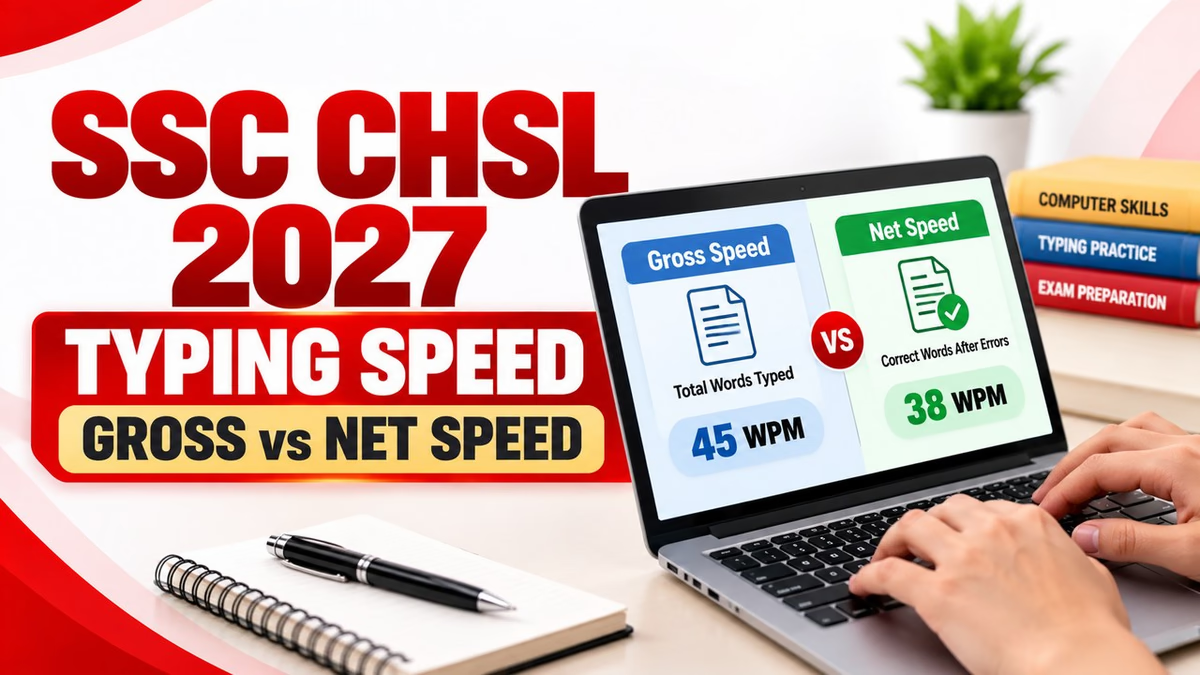
Gross typing speed is the total typing output measured over a specific period before subtracting errors. It is commonly expressed in words per minute (WPM).
For example, if you type 300 words in 10 minutes, your gross typing speed is 30 WPM, assuming the tool counts the same 300 words as your total output.
Gross speed helps you understand how quickly you can enter text. However, it does not independently show whether the text is accurate. A candidate may type quickly but make frequent spelling, punctuation or word-entry mistakes.
| Typing Details | Value |
|---|---|
| Total words typed | 300 |
| Time taken | 10 minutes |
| Gross speed | 30 WPM |
Net typing speed is a practice metric intended to reflect typing speed after accounting for errors. The exact formula can vary between typing websites and software applications.
One commonly used simplified method subtracts the number of uncorrected incorrect words from the total words typed before dividing by the time taken.
For example, if you type 300 words in 10 minutes and the practice tool counts 20 words as incorrect, the simplified net speed would be:
(300 − 20) ÷ 10 = 28 WPM
Important: This is an illustrative calculation, not a universal formula for every typing test. Some tools use character-based error penalties or other methods. Always check how your practice tool calculates net speed.
| Factor | Gross Speed | Net Speed |
|---|---|---|
| Meaning | Typing output before error deductions | Speed adjusted for errors under a particular formula |
| Main purpose | Measures typing pace | Helps assess pace alongside accuracy |
| Errors considered | Not deducted in the basic calculation | Deducted according to the tool's method |
| Best use | Tracking raw speed improvements | Tracking speed with error control |
For exam preparation, monitor both speed and accuracy rather than focusing on a single WPM figure. A high gross speed accompanied by many errors may indicate that you need more controlled practice.
A candidate types 350 words in 10 minutes and records 40 incorrect words according to a simplified practice tool.
Another candidate types 330 words in 10 minutes and records 10 incorrect words under the same simplified method.
Although the second candidate has a lower gross speed, the simplified net-speed result is higher. This demonstrates why typing accuracy deserves attention alongside speed.
These examples explain a practice calculation only. They do not predict a candidate's official SSC result or replace SSC's prescribed error-evaluation method.
The SSC CHSL typing test is relevant to candidates applying for posts such as Lower Division Clerk (LDC) and Junior Secretariat Assistant (JSA). The applicable examination notification specifies the required speed, duration and evaluation conditions.
According to the SSC CHSL 2026 notification, the LDC/JSA typing test uses these reference requirements:
| Typing Medium | Reference Speed | Duration |
|---|---|---|
| English | 35 WPM | 10 minutes |
| Hindi | 30 WPM | 10 minutes |
These figures are from the 2026 cycle and must not be treated as confirmed SSC CHSL 2027 requirements. Check the official SSC website for the applicable notification before relying on any exam-specific rule.
Also remember that the terms gross speed and net speed may appear differently across practice platforms. Do not assume that a practice website's net WPM is the same as SSC's official evaluation result.
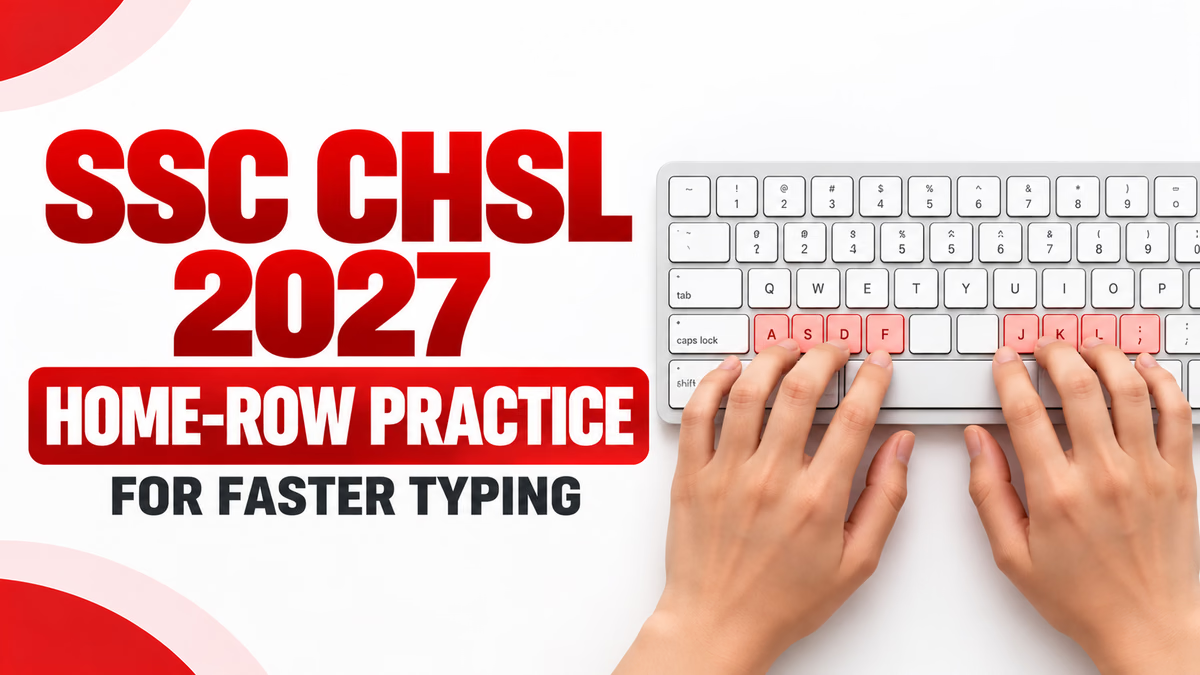
Learn the home-row position and use the appropriate fingers for each key. Correct finger placement reduces unnecessary movement and supports consistent typing.
Start at a manageable pace and focus on entering the passage correctly. Gradually increase your speed as your error rate improves. Typing faster while repeating the same mistakes may not produce better results.
Use timed practice sessions to build concentration and stamina. Include passages that resemble formal or administrative text, while making sure your practice duration matches your preparation goal.
After each session, identify repeated errors such as missing spaces, incorrect letters, capitalisation mistakes and punctuation errors. Practise the specific patterns that cause difficulty.
Practise in the language and keyboard layout relevant to your intended test. For Hindi typing, check the requirements in the applicable notification and use the prescribed input method during practice.
Record gross speed, the practice tool's net speed, accuracy and error count after each test. Compare results over several sessions instead of judging your progress from a single attempt.
| Practice Activity | Suggested Time |
|---|---|
| Finger placement and warm-up | 5 minutes |
| Accuracy-focused typing | 10 minutes |
| Timed typing passage | 10 minutes |
| Error review and correction practice | 5 minutes |
This 30-minute routine is a suggested starting point, not an official SSC schedule. Adjust the duration according to your current skill level and preparation timetable.
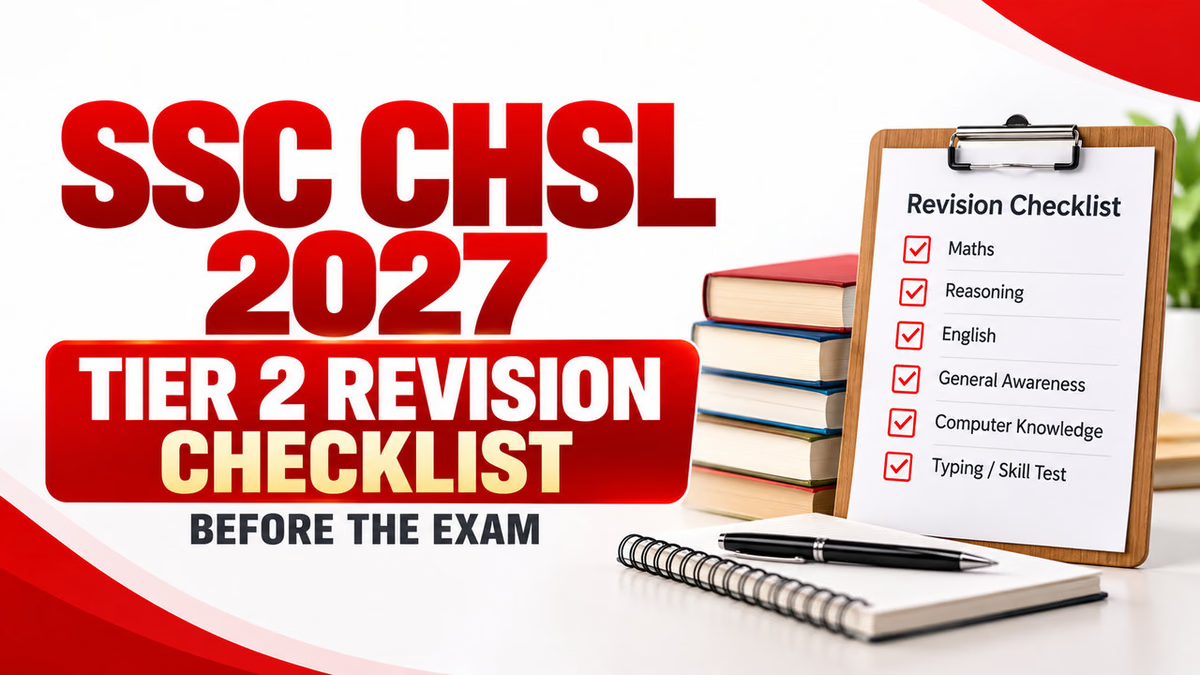
Along with typing, revise relevant computer fundamentals, including word processing, keyboard shortcuts, file management and basic computer operations. A balanced routine can help you prepare for the broader computer-related requirements of your examination.
Gross speed measures typing output before error deductions. Net speed is a practice metric adjusted for errors according to the formula used by a particular typing tool.
In a basic WPM calculation, divide the total words typed by the time taken in minutes. For example, 300 words in 10 minutes equals 30 WPM.
Some practice tools subtract incorrect words from the total words typed and divide the result by the time taken. Other tools use different error penalties, so check the tool's own scoring method.
The SSC CHSL 2026 notification specified 35 WPM in English or 30 WPM in Hindi over 10 minutes for the LDC/JSA typing test. Candidates preparing for 2027 must verify the applicable official notification.
Not necessarily. A practice tool's net WPM is calculated using that tool's method. SSC applies the evaluation procedure specified in the relevant examination rules, so practice results should not be treated as an official result.
Build accuracy first, then increase speed gradually. Regular timed practice and error analysis can help you improve both skills together.
A focused 20–30 minute daily session is a reasonable starting point for many learners. Adjust your routine according to your current speed, accuracy and preparation needs.
Continue building your computer skills with these related Katara Academy resources:
Looking for structured guidance for competitive exams? Explore the relevant SSC CHSL, typing or computer-skills course available on Katara Academy and choose the learning resource that suits your preparation needs.
Download the Katara Academy mobile app to explore available learning resources.
Replace COURSE_URL_HERE with the appropriate live course URL before publishing.
Understanding gross and net typing speed helps SSC CHSL aspirants measure their performance more carefully. Gross speed shows how quickly you type, while net speed in practice tools attempts to account for errors. Because scoring formulas differ, always understand how your practice platform calculates results and follow the official examination rules for the relevant year.
Practise consistently, review your errors, work on accuracy and gradually increase your speed. Combine typing practice with computer-skills revision and verify the official SSC CHSL 2027 notification when available.
Disclaimer: This article is intended for educational purposes. Exam requirements can change between recruitment cycles. Refer to the official Staff Selection Commission notification for the final rules applicable to your examination.