


Download the App & Start Learning
- Expert Faculty Guidance
- Updated Study Material
- Mock Tests & Practice Quiz
- Live Doubt Solving Sessions
- Exam-Oriented Preparation
- Motivation & Success Strategy
Katara Academy

10/8/2026
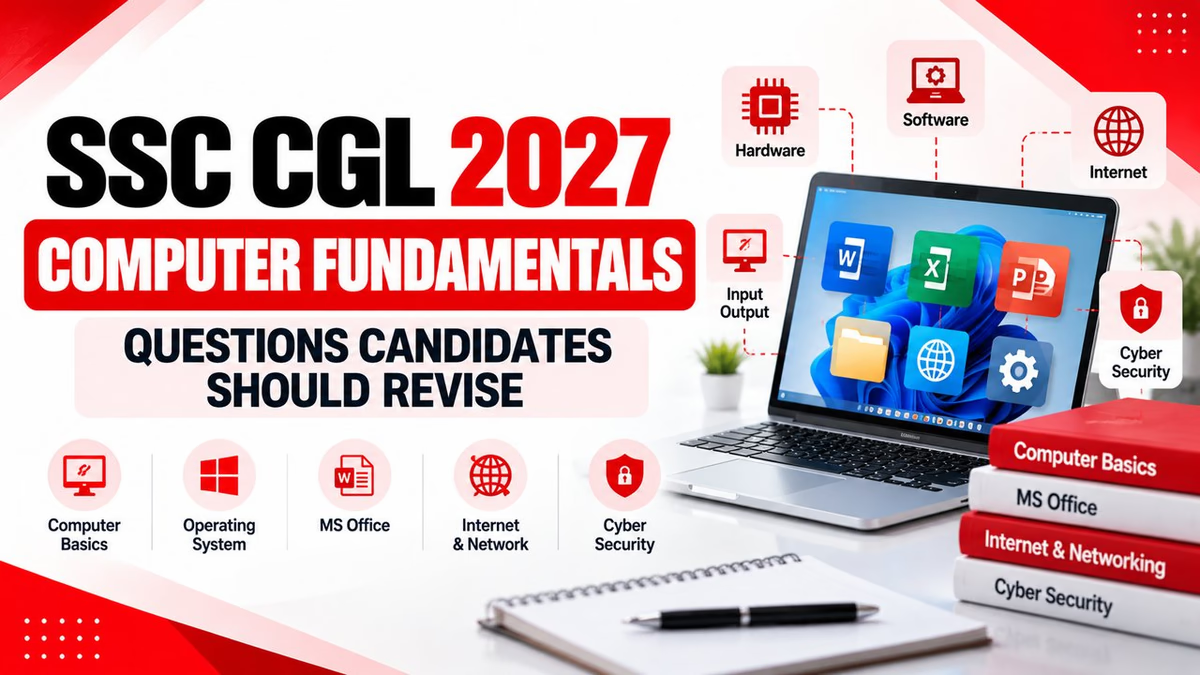
Revise important computer fundamentals, shortcuts, hardware, software, internet, networking and cyber security concepts for SSC CGL Tier 2.
The SSC CGL 2027 notification is yet to be released. Therefore, candidates should use the latest available SSC CGL framework as a preparation reference and verify the final syllabus, pattern and instructions from the official SSC notification when it is released.
Computer Knowledge is an important part of SSC CGL Tier 2 Paper-I. Candidates should not treat this section as a topic that can be prepared only at the last moment. Basic computer concepts, operating systems, hardware, software, shortcuts, internet, networking and cyber security can all become important areas for revision.
The latest available SSC CGL 2026 notification includes Computer Knowledge Test as Section-III of Tier 2 Paper-I. It lists computer basics, software, internet and e-mail, networking and cyber security among the major areas. The section is qualifying in nature, while higher standards may apply to certain posts.
| Particular | Latest Available Framework |
|---|---|
| Section | Section-III of Tier 2 Paper-I |
| Subject | Computer Knowledge Test |
| Questions | 20 questions |
| Maximum Marks | 60 marks |
| Duration | 15 minutes |
| Nature | Qualifying |
The following questions are designed as a revision checklist. Candidates should understand the concept behind each answer instead of memorising only the option.
1. What does CPU stand for?
Answer: Central Processing Unit
2. Which component performs arithmetic and logical operations?
Answer: ALU (Arithmetic Logic Unit)
3. Which type of memory is volatile?
Answer: RAM
4. What happens to data stored in RAM when the computer is switched off?
Answer: The data stored in volatile RAM is lost.
5. How many bits make one byte?
Answer: 8 bits
6. Which of the following is an input device?
Answer: Keyboard
7. Which device is commonly used to display output from a computer?
Answer: Monitor
8. What is an operating system?
Answer: System software that manages computer hardware, software resources and provides an interface for users.
9. Which of these is an operating system?
Answer: Windows
10. What is the shortcut key for copying selected text or files?
Answer: Ctrl + C
11. What is the shortcut key for pasting copied content?
Answer: Ctrl + V
12. What is the shortcut key for undoing the previous action?
Answer: Ctrl + Z
13. What is the shortcut key commonly used to save a file?
Answer: Ctrl + S
14. What is the shortcut key commonly used for printing?
Answer: Ctrl + P
15. What is the full form of WWW?
Answer: World Wide Web
16. What does URL stand for?
Answer: Uniform Resource Locator
17. What is the main purpose of a web browser?
Answer: To access and interact with websites and web-based content.
18. Which device connects different networks and forwards data between them?
Answer: Router
19. What does LAN stand for?
Answer: Local Area Network
20. What does WAN stand for?
Answer: Wide Area Network
21. What is phishing?
Answer: A fraudulent technique used to trick users into revealing sensitive information such as passwords or financial details.
22. What is a computer virus?
Answer: A malicious program or code that can replicate by attaching itself to files or programs and can cause unwanted effects.
23. What is a firewall used for?
Answer: It helps monitor and control network traffic according to defined security rules.
24. What is the basic purpose of antivirus software?
Answer: To detect, prevent and help remove malicious software.
25. Which application is mainly used for creating spreadsheets?
Answer: Microsoft Excel
26. Which application is commonly used for creating presentations?
Answer: Microsoft PowerPoint
27. What symbol is generally used to begin a formula in Microsoft Excel?
Answer: = (Equal sign)
28. Which Excel function is commonly used to add a range of numbers?
Answer: SUM
29. What is downloading?
Answer: Transferring data or files from a remote system or internet service to a local device.
30. What is uploading?
Answer: Transferring data or files from a local device to a remote system or internet service.
| Shortcut | Function |
|---|---|
| Ctrl + C | Copy |
| Ctrl + V | Paste |
| Ctrl + X | Cut |
| Ctrl + Z | Undo |
| Ctrl + Y | Redo |
| Ctrl + S | Save |
| Ctrl + P | |
| Ctrl + A | Select All |
| Alt + Tab | Switch between open windows |
| F2 | Rename selected item in Windows |
Before the Computer Knowledge Test, make sure you can quickly revise:
Prepare one compact sheet containing important abbreviations, computer generations, memory units, input-output devices, operating system terms, keyboard shortcuts and networking terminology.
Keyboard shortcuts are easy to revise but can be forgotten if they are not practised. Revise a small group of shortcuts every day instead of trying to memorise a large list in one sitting.
Pay special attention to terms that look similar but have different meanings, such as RAM and ROM, upload and download, LAN and WAN, browser and search engine, virus and worm, and router and switch.
Since the Computer Knowledge Test is time-bound, practise objective questions with a timer. Your target should be quick identification of concepts rather than lengthy thinking over simple questions.
| Day | Focus Area |
|---|---|
| Day 1 | Computer basics, CPU, ALU and devices |
| Day 2 | Memory, storage and ports |
| Day 3 | Windows and keyboard shortcuts |
| Day 4 | MS Word, Excel and PowerPoint |
| Day 5 | Internet, email and e-Banking |
| Day 6 | Networking and cyber security |
| Day 7 | Full revision and timed practice |
Computer preparation for SSC CGL does not require advanced technical knowledge. A strong understanding of basic concepts, regular revision and timed practice can make this section much easier to handle.
Focus especially on computer fundamentals, memory, CPU, operating systems, keyboard shortcuts, MS Office, internet, networking and cyber security. Revise these topics repeatedly and analyse your mistakes after every practice session.
For SSC CGL 2027, always confirm the final syllabus and examination instructions from the official SSC notification once it is released.
Build a structured SSC CGL preparation strategy with regular practice, revision and expert guidance at Katara Academy.