.avif)

Download the App & Start Learning
- Expert Faculty Guidance
- Updated Study Material
- Mock Tests & Practice Quiz
- Live Doubt Solving Sessions
- Exam-Oriented Preparation
- Motivation & Success Strategy
Katara Academy

10/9/2026
KATARA ACADEMY | SSC CGL 2027
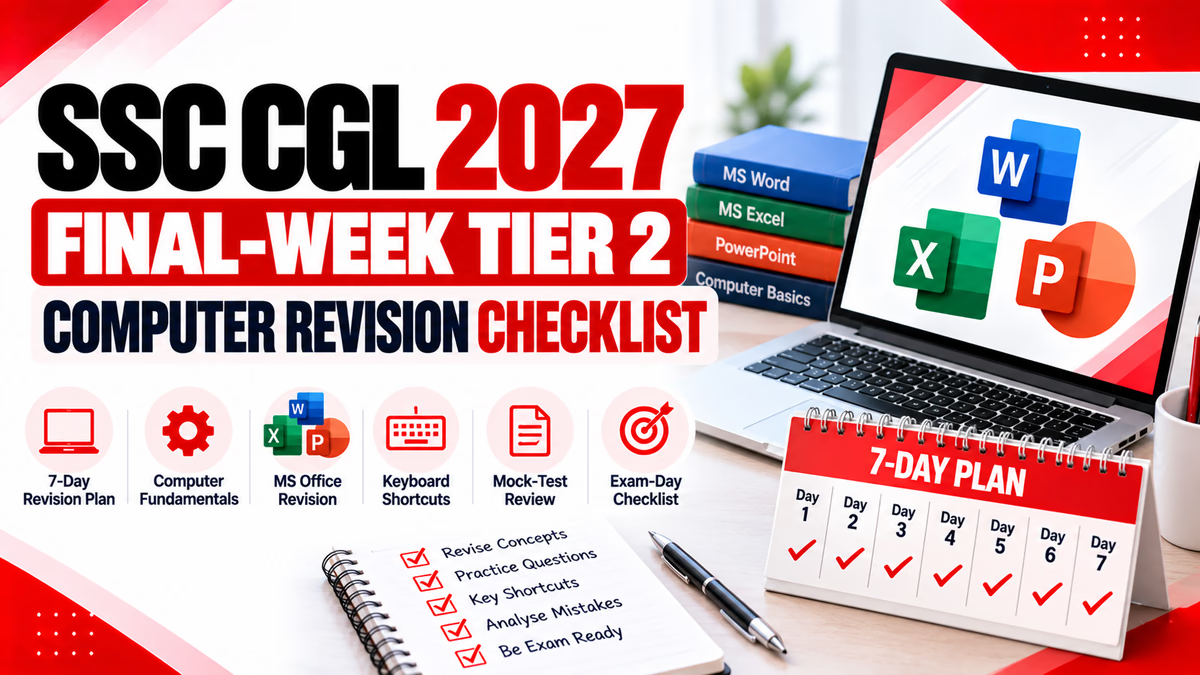
Follow a focused final-week revision plan covering computer fundamentals, MS Office, keyboard shortcuts, practice questions and exam-day preparation.
The SSC CGL 2027 notification may specify the applicable Tier 2 examination structure, syllabus and computer-related requirements. Confirm the final instructions from the official Staff Selection Commission notification when it is released. This article provides a general revision framework and is not an official SSC checklist.
The final week before an examination is a time to consolidate what you have already studied. Trying to learn every computer topic from the beginning can create unnecessary pressure and leave little time for revision.
A better approach is to organise your notes, revise essential concepts, solve selected practice questions and review mistakes from earlier tests. A structured checklist helps you identify unfinished topics without spending too much time on material you already understand.
For SSC CGL 2027, candidates should first verify the applicable official syllabus and examination requirements. Use the plan below as a flexible framework and adapt it to the confirmed syllabus and your own preparation needs.
Final-Week Principle:
Revise important concepts, practise selectively, analyse mistakes and protect your sleep. Avoid changing your entire preparation strategy at the last minute.
Before planning revision sessions, check the latest applicable SSC CGL notification. Do not assume that every topic, qualifying requirement or examination procedure from a previous year will remain unchanged.
This sample plan assumes that you have already studied the basics. If your official syllabus differs, replace or adjust topics accordingly.
| Day | Revision Focus | Main Task |
|---|---|---|
| Day 1 | Computer fundamentals | Revise hardware, software, memory, storage and input/output devices. |
| Day 2 | Operating systems and file management | Review operating-system functions, files, folders and basic shortcuts. |
| Day 3 | Microsoft Word | Revise formatting, alignment, editing and document commands. |
| Day 4 | Microsoft Excel | Review cells, formulas, common functions, sorting and filtering. |
| Day 5 | PowerPoint and keyboard shortcuts | Revise slide commands, presentation views and frequently used shortcuts. |
| Day 6 | Other applicable computer topics | Review internet, networking and cyber security only where relevant to the official syllabus. |
| Day 7 | Final revision and error review | Review short notes, revisit repeated errors and prepare examination essentials. |
Begin with basic concepts that form the foundation of computer knowledge. Use the official syllabus to decide which areas require detailed revision.
Pay attention to concepts that are easy to confuse. For example, RAM is generally volatile working memory, while ROM is non-volatile memory. A browser is software used to access web content, while a search engine helps users find information online.
Use this section to review familiar Word operations instead of trying to memorise every feature in the application.
| Area | What to Revise |
|---|---|
| Text formatting | Bold, italic, underline, font size and text formatting. |
| Paragraph formatting | Left, centre, right and justified alignment. |
| Document operations | New, open, save, print and find. |
| Editing | Cut, copy, paste, undo and redo. |
| Page layout | Margins, page orientation and page breaks. |
Excel revision should focus on understanding how spreadsheets organise information and perform calculations.
| Area | What to Revise |
|---|---|
| Workbook structure | Workbooks, worksheets, rows, columns and cells. |
| Formulas | Basic formulas and the use of cell references. |
| Functions | Common functions such as SUM, AVERAGE, MIN and MAX. |
| Data management | Sorting, filtering and basic data organisation. |
| Formatting | Number formats, cell formatting and basic table presentation. |
Review the basic features used to create and present slides.
Remember the difference between a transition, which applies between slides, and an animation, which affects an object or element on a slide.
Revise commonly used shortcuts and understand their functions. Some combinations behave differently depending on the application.
| Shortcut | Common Function |
|---|---|
| Ctrl + C | Copy selected content. |
| Ctrl + X | Cut selected content. |
| Ctrl + V | Paste content. |
| Ctrl + Z | Undo an action. |
| Ctrl + S | Save the current file. |
| Ctrl + P | Open print options. |
| Ctrl + A | Select all content in the active area. |
| Ctrl + F | Find text or content in many applications. |
| Alt + Tab | Switch between open applications in Windows. |
| Windows + E | Open File Explorer in Windows. |
Mock tests are most useful when you analyse the results instead of checking only the score. Use the following process after each practice session.
Write down the subject or concept related to each incorrect answer.
Decide whether the error came from missing knowledge, confusion between concepts or careless reading.
Read the relevant notes or trusted reference and write a short explanation in your own words.
Attempt a few related questions later to check whether you have understood the concept.
A manageable routine is generally more useful than long, exhausting sessions. Adjust the schedule to your personal needs and the remaining time.
| Session | Suggested Activity |
|---|---|
| Session 1 | Revise one major topic from your notes. |
| Session 2 | Review shortcuts, comparisons and important definitions. |
| Session 3 | Attempt a selected practice set or mock test as appropriate. |
| Session 4 | Analyse errors and revise weak areas. |
| Before bed | Review a short checklist and prepare for adequate sleep. |
Follow the instructions in your official admit card and notification. The list below is a general organisational reminder, not a substitute for the official instructions.
Use these basic questions to check your revision. They are illustrative practice questions, not official or predicted SSC questions.
Q1. Which type of memory is generally volatile?
A) RAM B) ROM C) SSD D) Optical disc
Answer: A) RAM. RAM is generally volatile working memory.
Q2. Which shortcut commonly saves a file?
A) Ctrl + P B) Ctrl + S C) Ctrl + F D) Ctrl + X
Answer: B) Ctrl + S.
Q3. Which application is primarily used to create spreadsheets?
A) Microsoft Word B) Microsoft PowerPoint C) Microsoft Excel D) Paint
Answer: C) Microsoft Excel.
Q4. What should you do after getting a practice question wrong?
A) Ignore it B) Review the concept and understand the error C) Memorise an option only D) Stop practising the topic
Answer: B) Review the concept and understand the error.
Revise the applicable syllabus, revisit important notes, practise selected questions and analyse mistakes. Avoid making major changes to a preparation strategy that is already working.
Prioritise essential syllabus topics and unfinished areas. If a topic is necessary and completely unfamiliar, study its basics selectively instead of attempting to cover too much detail at once.
There is no single ideal number for every candidate. Choose a manageable frequency and leave enough time to review incorrect answers and revise weak topics.
Check the official Staff Selection Commission website and the applicable SSC CGL 2027 notification for the confirmed syllabus, examination structure and instructions.
A successful final-week revision plan is organised, focused and realistic. Revise the applicable computer topics, practise important shortcuts, review mistakes and use a checklist to keep your preparation on track.
Do not rely on rumours or unofficial qualifying targets. Confirm the final examination requirements through the official SSC notification and follow the instructions issued for your examination.
Build a structured study routine with focused preparation at Katara Academy.