


Download the App & Start Learning
- Expert Faculty Guidance
- Updated Study Material
- Mock Tests & Practice Quiz
- Live Doubt Solving Sessions
- Exam-Oriented Preparation
- Motivation & Success Strategy
Katara Academy

10/9/2026
KATARA ACADEMY | SSC CGL 2027
Discover common computer-preparation mistakes, improve your MS Office knowledge, revise essential concepts and build a more effective practice routine for SSC CGL.
The SSC CGL 2027 notification may clarify the applicable syllabus, examination structure and computer-related requirements. Candidates should verify the final instructions through the official SSC notification when it is released. This article offers general computer-preparation guidance and does not replace official examination rules.
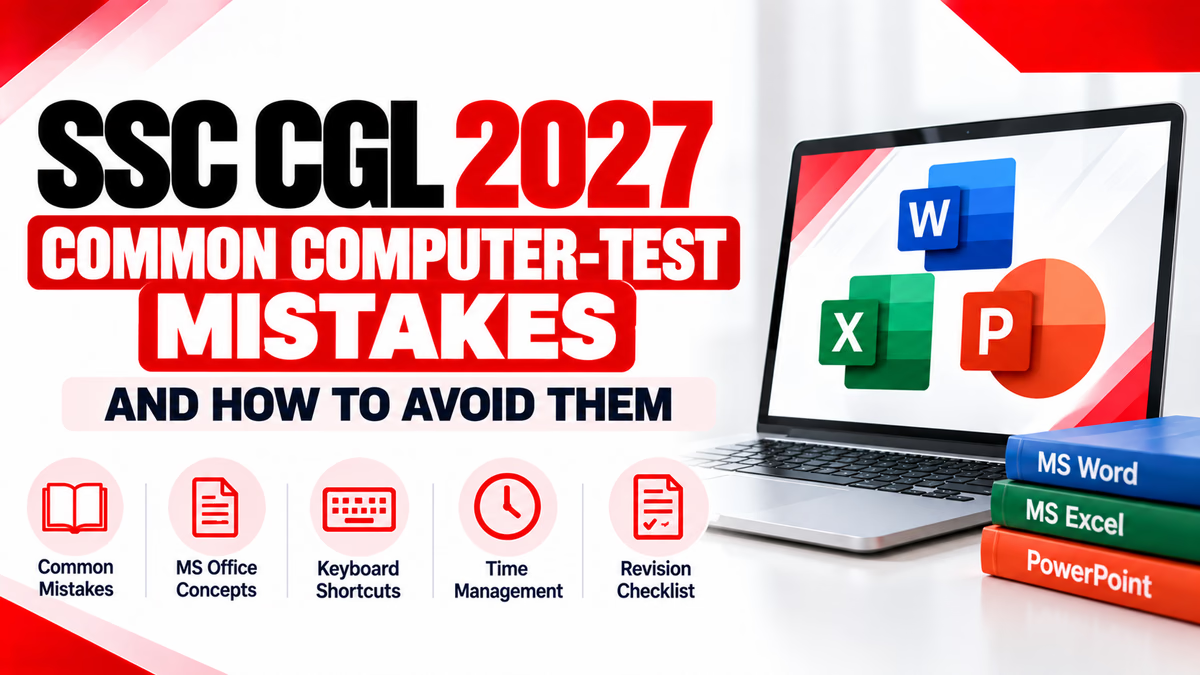
Computer preparation is an important part of developing digital skills for competitive examinations. Candidates may spend time reading computer notes and memorising keyboard shortcuts, yet still struggle when they attempt practice questions under time pressure.
The problem is often not a lack of effort. It may be caused by incomplete revision, confusion between similar concepts, careless reading, weak practice habits or failure to analyse incorrect answers.
By identifying these problems early, candidates can make their preparation more organised and productive. The aim is to understand core concepts, practise regularly and check the applicable official syllabus instead of relying on assumptions.
Key Advice:
Do not measure preparation only by the number of questions attempted. Review what you got wrong, understand why it happened and practise the concept again.
One common mistake is preparing random computer topics without first checking the examination requirements. This can lead to spending too much time on less relevant details while overlooking basic concepts.
Remember:
A preparation checklist is a planning tool. It is not a substitute for the official syllabus or notification.
Keyboard shortcuts can help with everyday computer work, but memorising combinations without learning their functions can create confusion. Some shortcuts behave differently depending on the application.
For example, Ctrl + D can have different uses in Excel, PowerPoint and web browsers. Candidates should learn both the shortcut and the application in which it is used.
| Shortcut | Common Function | Revision Tip |
|---|---|---|
| Ctrl + C | Copy selected content | Practise with text and files. |
| Ctrl + V | Paste copied or cut content | Remember its relationship with Cut and Copy. |
| Ctrl + S | Save the current file | Associate it with saving work. |
| Ctrl + F | Find text in many applications | Distinguish it from Find and Replace. |
| Ctrl + Z | Undo the previous action | Learn Undo and Redo together. |
Some computer terms sound similar but have different meanings. Candidates may remember the words yet select an incorrect answer because they do not understand the distinction.
| Concepts | Main Difference |
|---|---|
| RAM vs ROM | RAM is generally volatile working memory; ROM is non-volatile memory used to retain stored instructions or data. |
| Hardware vs Software | Hardware refers to physical components; software consists of programs and instructions. |
| Internet vs Web | The internet is a global network of connected systems; the World Wide Web is a service that operates over it. |
| Browser vs Search Engine | A browser is software used to access web content; a search engine helps find information online. |
| File vs Folder | A file stores information; a folder organises files and, in many systems, other folders. |
| Transition vs Animation | A PowerPoint transition occurs between slides; an animation affects an object or element on a slide. |
Better method: Create a comparison notebook. Write the meaning of each term in your own words and add one example. Revisit confusing pairs during revision.
Learning only definitions may leave gaps in your understanding of Microsoft Word, Excel and PowerPoint. These applications have different purposes, tools and commands.
Where possible, open the applications and try the commands yourself. Practical familiarity can make definitions easier to remember.
Some candidates focus only on MS Office and ignore broader computer fundamentals. Depending on the applicable syllabus, preparation may also require knowledge of computer components, operating systems, storage, networks, internet concepts and cyber security.
Use the official syllabus to determine the relevant topics. For each topic, learn the definition, purpose, common examples and important differences.
Completing many practice questions can feel productive, but repeating tests without reviewing wrong answers makes it harder to identify knowledge gaps.
After every practice session, classify incorrect answers into three groups:
| Mistake Type | Recommended Action |
|---|---|
| Knowledge gap | Relearn the topic and solve a few related questions. |
| Confusion | Compare the two concepts and note the difference. |
| Careless error | Read the question carefully and check the wording before answering. |
Keep an error log with the topic, the reason for the mistake, the correct explanation and the date for the next revision. Review the log regularly.
Some candidates spend too much time on a difficult question and rush through the remaining questions. Others attempt questions quickly without reading all the options.
Remember that timed practice should help you build familiarity and decision-making skills. It should not encourage random guessing or careless reading.
Old articles, coaching posts and social media messages may contain outdated dates, syllabus details or qualifying requirements. Treating unofficial claims as final can lead to poor preparation decisions.
Important:
Do not treat unofficial practice targets, predicted questions or coaching summaries as official SSC rules. Verify applicable requirements directly from the official notification.
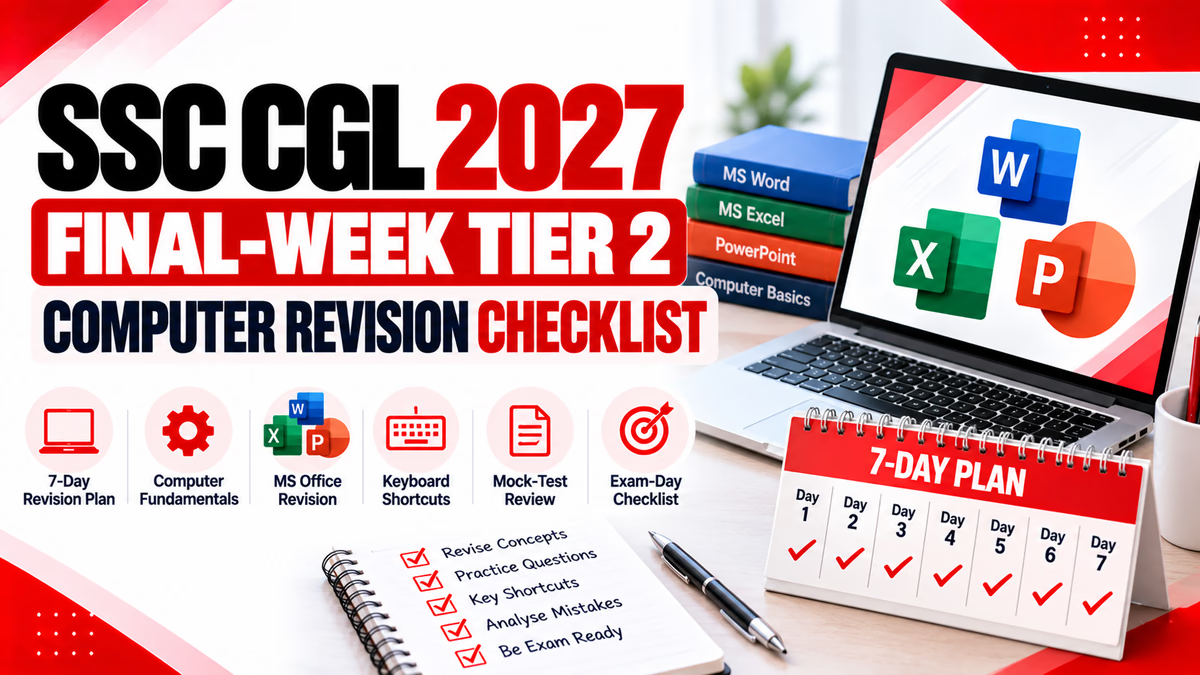
This is a sample revision structure. Adjust it to the official syllabus, your preparation level and the time available before the examination.
| Day | Revision Focus | Practice Task |
|---|---|---|
| Day 1 | Computer fundamentals | Review definitions and comparisons. |
| Day 2 | Operating systems and file management | Revise file operations and shortcuts. |
| Day 3 | MS Word | Practise formatting and document commands. |
| Day 4 | MS Excel | Review cells, formulas and basic functions. |
| Day 5 | MS PowerPoint | Revise slides, layouts, views and shortcuts. |
| Day 6 | Internet, networking and cyber security | Practise topic-wise questions from the syllabus. |
| Day 7 | Mixed revision | Attempt a practice test and analyse every error. |
Before a practice test, check whether you have completed the following preparation steps.
Use these basic questions to check your understanding. They are revision examples, not official or predicted SSC questions.
Q1. Which of the following is generally volatile memory?
A) RAM B) ROM C) Optical disc D) SSD
Answer: A) RAM. RAM generally loses its stored contents when power is removed.
Q2. Which shortcut is commonly used to save a file?
A) Ctrl + P B) Ctrl + S C) Ctrl + X D) Ctrl + F
Answer: B) Ctrl + S. It saves the current file in many desktop applications.
Q3. Which software is primarily used to create slide-based presentations?
A) Microsoft Excel B) Microsoft Word C) Microsoft PowerPoint D) Notepad
Answer: C) Microsoft PowerPoint.
Q4. What is the primary purpose of a web browser?
A) To access and display web content B) To manufacture hardware C) To supply electricity D) To replace the operating system
Answer: A) To access and display web content.
Q5. What is the best response when you repeatedly get a practice question wrong?
A) Ignore it B) Memorise an option without understanding C) Review the concept and practise similar questions D) Stop revising the topic
Answer: C) Review the concept and practise similar questions.
Common mistakes include ignoring the official syllabus, memorising shortcuts without understanding them, confusing similar concepts, skipping practice and failing to analyse incorrect answers.
Study the applicable syllabus, revise one topic at a time, practise objective questions and maintain an error log. Review difficult concepts regularly instead of relying only on repeated reading.
No. Shortcuts are one part of computer knowledge. Candidates should also revise the other topics included in the applicable official syllabus.
The right frequency depends on your preparation level and available time. Combine topic-wise practice with timed tests and ensure you analyse mistakes after each session.
Check the official Staff Selection Commission website and the applicable SSC CGL notification for the final syllabus, examination structure and instructions.
Effective computer preparation depends on understanding concepts, revising the correct topics and learning from mistakes. Avoid studying randomly, memorising shortcuts without context or attempting practice tests without reviewing the answers.
Follow a structured plan, maintain an error log and verify examination-related information through official sources. For SSC CGL 2027, confirm the final syllabus and requirements when the official notification is released.
Build strong computer fundamentals with focused preparation at Katara Academy.