



Download the App & Start Learning
- Expert Faculty Guidance
- Updated Study Material
- Mock Tests & Practice Quiz
- Live Doubt Solving Sessions
- Exam-Oriented Preparation
- Motivation & Success Strategy
Katara Academy

10/9/2026
KATARA ACADEMY | SSC CGL 2027
Understand typing speed and accuracy, learn how to balance both, and build a practical DEST preparation routine for SSC CGL.
The SSC CGL 2027 notification may specify the applicable Data Entry Speed Test (DEST) requirements and qualifying standards. Candidates should verify the final instructions from the official SSC notification when it is released. This article provides general typing practice guidance and does not replace official examination rules.
Candidates preparing for a typing-based test often face the same question: should they type faster or focus on making fewer mistakes? The practical answer is to develop accuracy first and increase speed gradually without losing control.
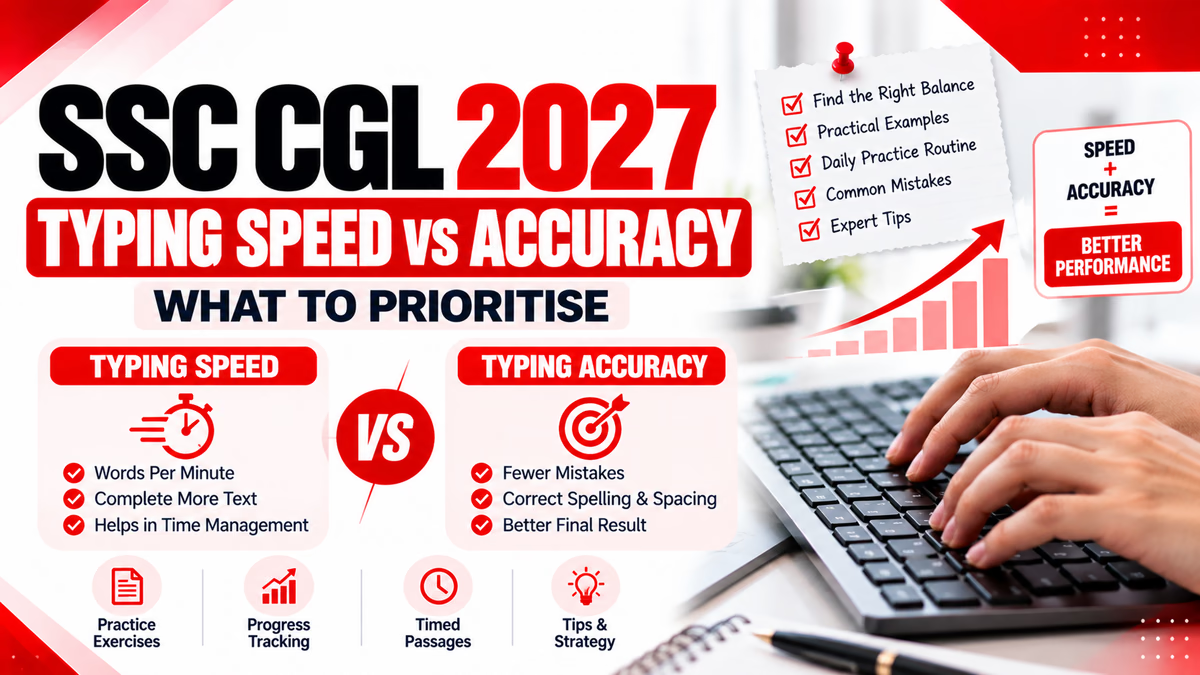
Typing speed measures how quickly you enter text, while typing accuracy reflects how closely your typed text matches the source. Both are useful indicators of progress, but a high speed alone does not guarantee a good performance.
For SSC CGL DEST preparation, candidates should practise consistently, understand the official test instructions and avoid chasing a speed target that causes frequent errors.
Key Takeaway:
Aim for a steady typing rhythm with reliable accuracy. Increase speed in small steps only when you can maintain control over spelling, spacing and punctuation.
Typing speed describes how quickly a person types text. It is commonly measured in words per minute (WPM) or characters per minute (CPM), depending on the typing tool and test.
Different typing platforms may use different word-length assumptions and counting methods. Therefore, results from two tools may not be directly comparable.
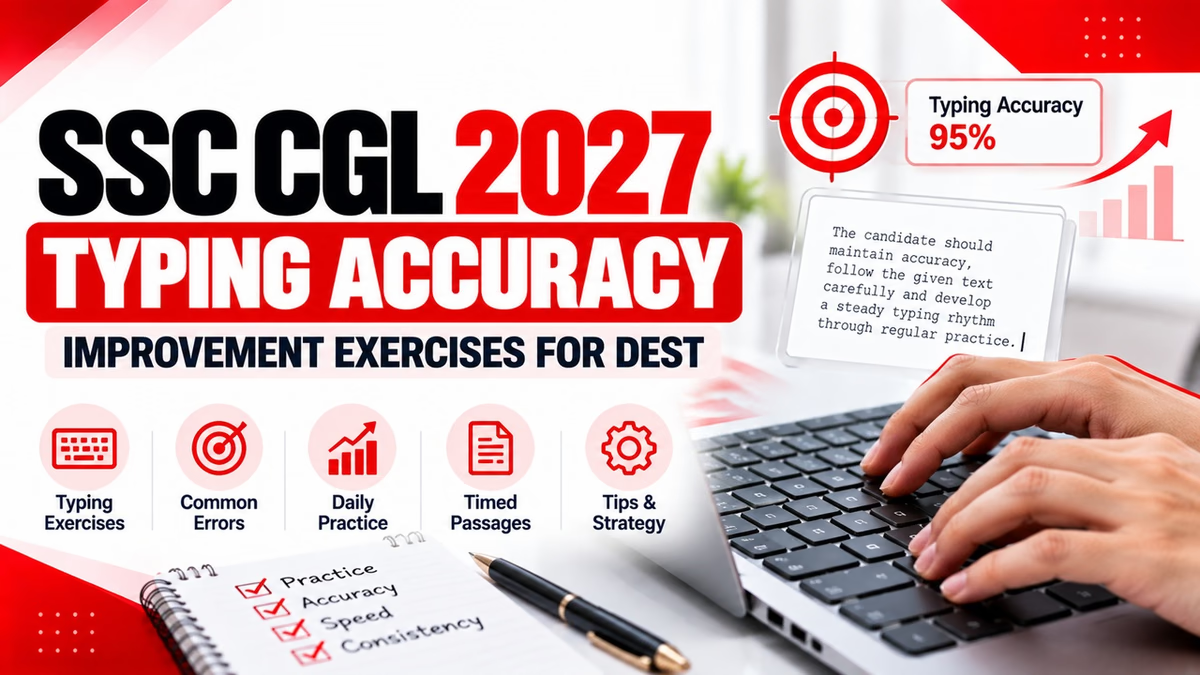
Typing accuracy measures how correctly you reproduce the original text. Mistakes can include incorrect letters, missing characters, extra characters, incorrect spacing and punctuation errors.
For personal practice, you can use an accuracy percentage if your typing tool provides one. A simple illustrative calculation is:
Practice Accuracy = Correct Characters ÷ Expected Characters × 100
This is a simplified practice measure, not a statement of SSC's official scoring formula.
For example, if a passage has 400 expected characters and 380 are typed correctly, the simplified measure is 95%. A typing platform may calculate accuracy differently, so use the same tool when comparing your own results over time.
| Factor | Typing Speed | Typing Accuracy |
|---|---|---|
| Meaning | How quickly text is entered | How correctly text matches the source |
| Common measure | WPM or CPM | Accuracy percentage or error count |
| Typical problem | Rushing and losing control | Excessive hesitation or repeated mistakes |
| How to improve | Gradual timed practice | Error review and controlled drills |
| Best approach | Increase pace progressively | Maintain reliable control as pace rises |
When candidates focus only on speed, they may press the wrong keys, skip letters or fail to notice punctuation. Rushing can also make it harder to recover after a mistake.
The solution is not to type extremely slowly forever. Instead, identify the pace at which you can type reliably and increase it gradually as your control improves.
Focus on finger placement, correct spelling, spacing and punctuation. Practise short words and sentences without rushing.
Move to longer passages. Keep a steady rhythm and review errors after each session. Avoid changing your technique every day.
Introduce timed practice once your accuracy becomes more consistent. Increase the pace in small steps and return to slower practice if errors rise sharply.
Use longer timed passages, follow the applicable test instructions and evaluate your performance after the exercise. Do not treat unofficial practice targets as official qualifying standards.
A balanced approach uses both speed and error tracking. After each practice session, record the duration, the typing tool's reported speed, the accuracy or error count, and the main mistakes you noticed.
| Practice Result | What to Do Next |
|---|---|
| Slow typing with frequent errors | Return to short drills and identify the cause of errors. |
| Good accuracy but a slow pace | Increase pace slightly while preserving the same careful technique. |
| Fast typing with many errors | Reduce speed temporarily and focus on the error patterns. |
| Consistent speed and accuracy | Continue timed practice and gradually increase passage difficulty. |
Use the same short passage for both attempts. In the first attempt, type at a comfortable pace. In the second, try a slightly faster pace without deliberately rushing.
Candidates should develop strong computer skills through regular practice. Accurate typing depends on careful reading, correct finger placement and a steady rhythm. Review each mistake and practise difficult words again before attempting a faster passage.
Record your results using this template:
| Measure | Attempt 1 | Attempt 2 |
|---|---|---|
| Time taken | Record your result | Record your result |
| Reported speed | Record your result | Record your result |
| Errors or accuracy | Record your result | Record your result |
| Main error type | Record your result | Record your result |
If the faster attempt creates many more errors, repeat the exercise at a moderate pace. If both attempts are similarly accurate, increase the pace slightly in your next session. Use the results to guide your training rather than relying on guesswork.
| Duration | Activity | Purpose |
|---|---|---|
| 5 minutes | Finger-placement drills | Build control |
| 5 minutes | Common words and difficult letter combinations | Reduce repeated errors |
| 10 minutes | Sentence and passage copying | Improve consistency |
| 5 minutes | Timed typing exercise | Practise controlled speed |
| 5 minutes | Error review | Plan the next session |
Build reliable accuracy first, then increase speed gradually. Your preparation should aim for consistent performance while meeting the official test requirements.
It can, especially when you increase your pace beyond your current level of control. Practise at a manageable speed and increase it in small steps as errors decrease.
Use the same typing tool and comparable passages. Track time, reported speed and errors or accuracy across sessions to identify trends.
A focused 20–30 minute session is a useful starting point. Adjust the duration to your needs, maintain consistency and take breaks if you feel discomfort.
Check the official SSC CGL 2027 notification when released for the applicable DEST requirements and qualifying standards. Do not rely on unofficial targets as final rules.
Typing speed and accuracy should be developed together, but accuracy provides the foundation for sustainable improvement. Start with controlled typing, identify repeated mistakes and increase your pace gradually as your performance becomes more consistent.
Use timed practice to measure progress, not to encourage careless typing. For SSC CGL 2027, confirm the final DEST instructions and qualifying standards through the official SSC notification when it is released.
Prepare with a focused study routine and regular practice at Katara Academy.