


Download the App & Start Learning
- Expert Faculty Guidance
- Updated Study Material
- Mock Tests & Practice Quiz
- Live Doubt Solving Sessions
- Exam-Oriented Preparation
- Motivation & Success Strategy
Katara Academy

10/8/2026
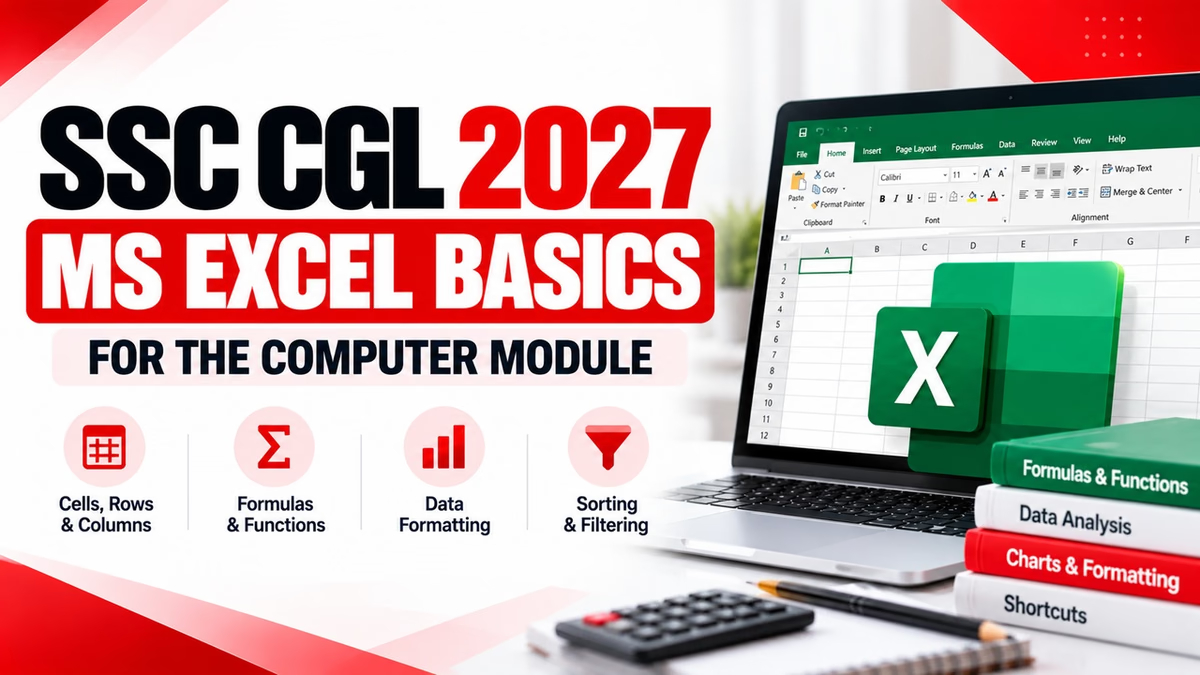
Learn important MS Excel basics, cells, rows, columns, formulas, functions, formatting, shortcuts and spreadsheet concepts for SSC CGL Computer preparation.
The SSC CGL 2027 notification has not yet been released. Candidates should therefore use the latest available SSC syllabus and examination framework as a preparation reference and verify the final syllabus and instructions from the official SSC notification when it is released.
Microsoft Excel is a spreadsheet application used to organize, calculate and analyse data. For competitive-exam computer preparation, candidates should understand the basic structure of a spreadsheet and the purpose of commonly used Excel commands and functions.
Official SSC examination material includes MS Excel within the broader computer and MS Office preparation area. Therefore, candidates preparing for SSC CGL should include Excel basics along with computer fundamentals, MS Word, PowerPoint, internet, networking and cyber security.
| Topic | Important Areas |
|---|---|
| Spreadsheet Basics | Workbook, worksheet, rows, columns and cells |
| Cell References | Cell address, ranges and references |
| Data Entry | Entering, editing and deleting data |
| Formatting | Font, alignment, borders, number formats and cell formatting |
| Formulas | Basic arithmetic formulas and cell references |
| Functions | SUM, AVERAGE, COUNT, MAX and MIN |
| Sorting & Filtering | Arranging and viewing selected data |
| Charts | Basic chart concepts and data presentation |
| Keyboard Shortcuts | Common Excel commands and shortcuts |
The first step in Excel preparation is understanding the structure of a spreadsheet.
A workbook is an Excel file that can contain one or more worksheets.
A worksheet is the individual spreadsheet area where data is entered and managed.
Rows run horizontally across the worksheet and are identified by numbers.
Columns run vertically and are identified by letters.
A cell is the intersection of a row and a column. It is the basic location where data is entered in Excel.
Every cell in an Excel worksheet has an address based on its column letter and row number.
Example:
In the cell address B5, B represents the column and 5 represents the row.
Candidates should also understand the meaning of a cell range. For example, A1:A5 represents the cells from A1 through A5.
Excel can contain different types of information such as text, numbers, dates and formulas. Candidates should understand the basic process of entering and editing information in cells.
A formula is an expression used to perform calculations in Excel. Formulas generally begin with an equal sign.
=A1+B1 — Adds the values in A1 and B1
=A1-B1 — Subtracts B1 from A1
=A1*B1 — Multiplies A1 and B1
=A1/B1 — Divides A1 by B1
Candidates should understand the purpose of basic Excel functions used for calculations and data analysis.
| Function | Purpose | Example |
|---|---|---|
| SUM | Adds numbers | =SUM(A1:A5) |
| AVERAGE | Calculates the arithmetic mean | =AVERAGE(A1:A5) |
| COUNT | Counts cells containing numbers | =COUNT(A1:A5) |
| MAX | Returns the largest value | =MAX(A1:A5) |
| MIN | Returns the smallest value | =MIN(A1:A5) |
Formatting changes the visual appearance of spreadsheet data without necessarily changing the underlying value.
Sorting rearranges data according to a selected order. For example, numbers can be arranged from smallest to largest or largest to smallest.
Filtering displays only the records that match selected conditions while temporarily hiding other records from view.
Charts provide a visual way to present spreadsheet data. Candidates should understand the basic purpose of charts and why they are used.
The main purpose of a chart is to make numerical or categorical data easier to understand visually.
| Shortcut | Function |
|---|---|
| Ctrl + N | Create a new workbook |
| Ctrl + O | Open a workbook |
| Ctrl + S | Save |
| Ctrl + P | |
| Ctrl + C | Copy |
| Ctrl + X | Cut |
| Ctrl + V | Paste |
| Ctrl + Z | Undo |
| Ctrl + F | Find |
| Ctrl + A | Select all |
Use these questions as a quick revision exercise after studying the basic concepts.
1. What is the intersection of a row and a column called?
Answer: Cell
2. How are columns generally identified in Excel?
Answer: By letters
3. How are rows generally identified in Excel?
Answer: By numbers
4. Which symbol generally begins an Excel formula?
Answer: Equal sign (=)
5. Which function is used to add a group of numbers?
Answer: SUM
6. Which function calculates the arithmetic mean?
Answer: AVERAGE
7. Which function returns the largest value from a range?
Answer: MAX
8. Which function returns the smallest value from a range?
Answer: MIN
9. What does sorting do in Excel?
Answer: It rearranges data according to a selected order.
10. What is the purpose of filtering?
Answer: To display records that meet selected criteria.
| Concept | Remember |
|---|---|
| Workbook | Excel file containing worksheets |
| Worksheet | Individual spreadsheet inside a workbook |
| Row | Horizontal arrangement identified by numbers |
| Column | Vertical arrangement identified by letters |
| Formula | Expression used to perform calculations |
| Function | Predefined operation used for a specific calculation |
| Sorting | Rearranges data |
| Filtering | Shows data matching selected conditions |
Start with workbook, worksheet, row, column, cell, range and cell reference. These concepts form the foundation of Excel.
Understand addition, subtraction, multiplication and division using cell references. Then move towards commonly used functions.
Focus on SUM, AVERAGE, COUNT, MAX and MIN before moving towards more advanced Excel functions.
Understand sorting, filtering, copying, moving and formatting data.
After completing each topic, solve computer-awareness questions and maintain a small error log for concepts that you repeatedly get wrong.
| Day | Revision Focus |
|---|---|
| Day 1 | Workbook, worksheet, rows, columns, cells and ranges |
| Day 2 | Data entry, editing and cell references |
| Day 3 | Formulas and basic functions |
| Day 4 | Formatting, sorting, filtering and charts |
| Day 5 | Shortcuts, full revision and practice questions |
MS Excel preparation for SSC CGL does not require candidates to become advanced spreadsheet users. The priority should be understanding the basic structure of a worksheet, cell references, formulas, common functions, formatting, sorting, filtering and essential shortcuts.
Practise these concepts regularly and solve objective questions after every revision session. Focus on understanding why an answer is correct rather than memorising isolated facts.
For SSC CGL 2027, candidates should verify the final syllabus and examination instructions from the official SSC notification once it is released.
Strengthen your SSC CGL preparation with focused study, regular revision and practice at Katara Academy.